


Shopperplus.ca 2026 Early Black Friday🎉🎉 Starts NOW!
SHOP NOW
*
Our processing time for orders may take up to 24-48 hours. Once processed, the estimated delivery time can take anywhere from 1-5 business days depending on the shipping destination.
Free shipping on orders over $49. A small number of orders cost much more to ship than the order amount (usually heavier or larger items going to rural or remote addresses). These orders are charged the actual shipping cost, shown at checkout before you pay. More >>


Back to Product Details >
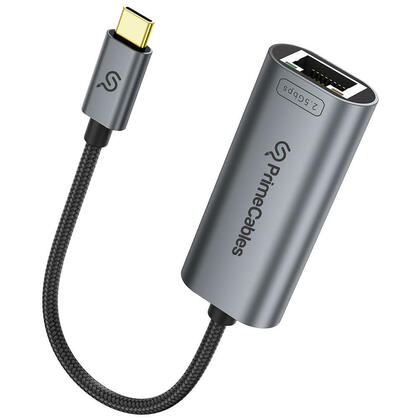
Aluminum USB-C to RJ45 2.5Gbps Network Adapter for MacBook Pro/Air, iPad Pro - PrimeCables®
Reviewed by2customers
Sort by
-
Work as expected, but on some Linux, I had to add 2500baseT/Full to the Advertised link modes by using : ethtool -s enp47s0f3u1 advertise 0x80000000002F as it would only link up to 1gbps by default.
-
Contrary to the description, this dongle does not work out of the box on MacOS even though it uses a generic Realtek RTL8156B chip. I’m on MacOS Tahoe and while the dongle was detected, it was not assigned an IP address by my router. After some troubleshooting and research, the problem appears to be a bug in the firmware that causes a blank MAC address to be returned tot he MacOS driver. This can be corrected by setting a MAC address manually, after which the dongle works as expected, but it’s disappointing to have to put in extra work to get it to work the way it is supposed to, especially as this has to be done after every reboot.

